
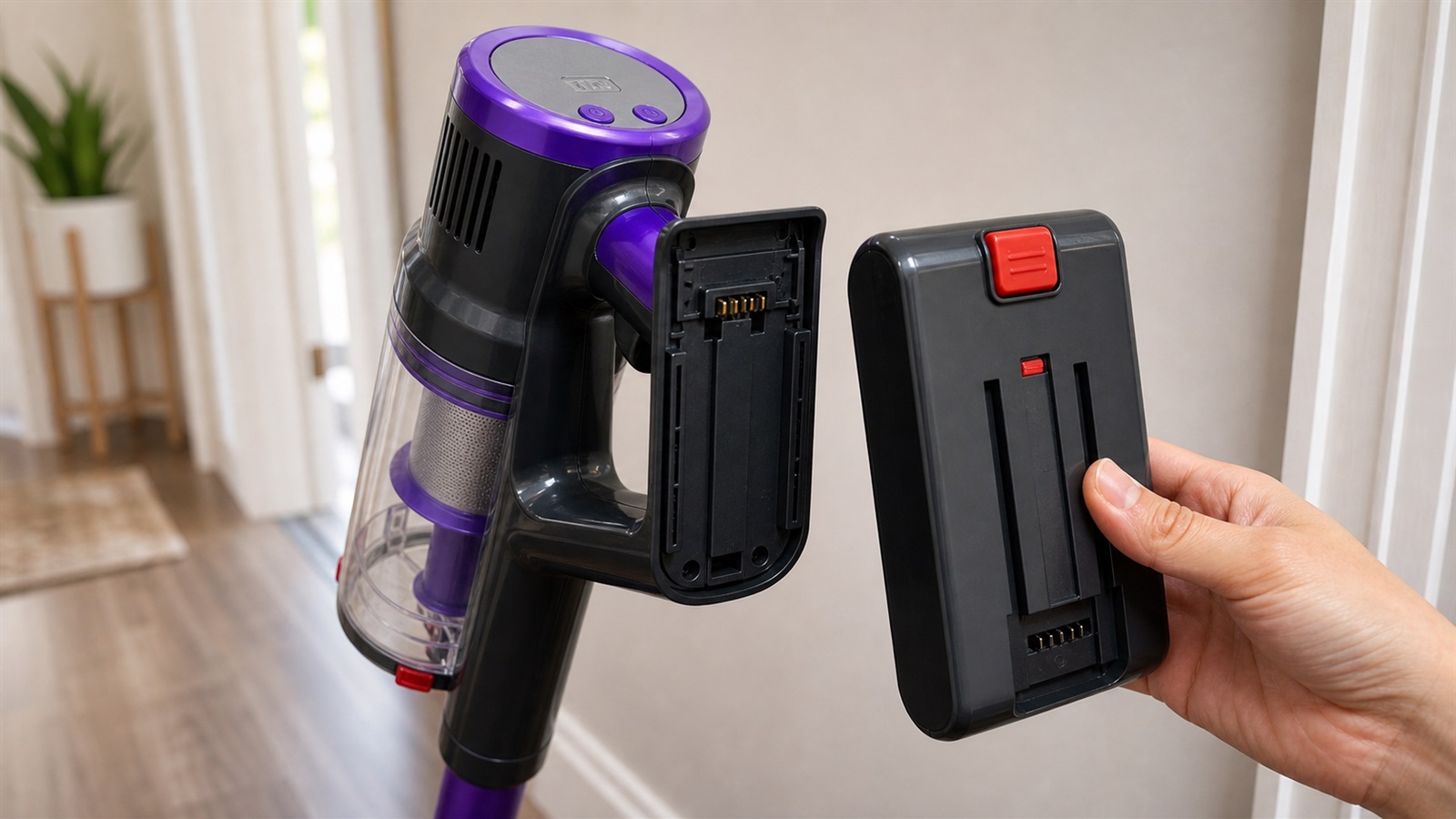
A cordless vacuum cleaner is useful because it is ready to move when you are. There is no cable to unwind, no socket to find and no heavy machine to drag between rooms. But because a cordless vacuum depends on battery power, the way you charge, store and maintain it can affect how consistent the runtime feels.
If your vacuum starts to run for less time than usual, it does not always mean the battery is faulty. Blocked airflow, a full dust cup, a dirty filter or using maximum power for every job can all make the battery drain faster. The good news is that a few simple habits can help protect battery performance.
Why Cordless Vacuum Battery Care Matters
A cordless vacuum battery powers the motor, suction system and cleaning head. When airflow is clear and the vacuum is used in the right mode, the battery does not need to work as hard. When the filter is clogged or the dust cup is overfilled, the motor may draw more power to keep suction steady.
Good battery care is not only about charging. It is also about reducing strain on the vacuum during everyday use.
-
Avoid Storing the Battery Completely Flat
For most modern cordless vacuums, it is better not to store the vacuum for a long time with an empty battery. It is normal for the battery to run low during cleaning, but leaving it fully drained for extended periods is not ideal.
A practical routine is simple: recharge the vacuum when the battery is low, then store it somewhere dry and easy to reach. You do not need to overthink every charge cycle; just avoid leaving the battery flat and forgotten.
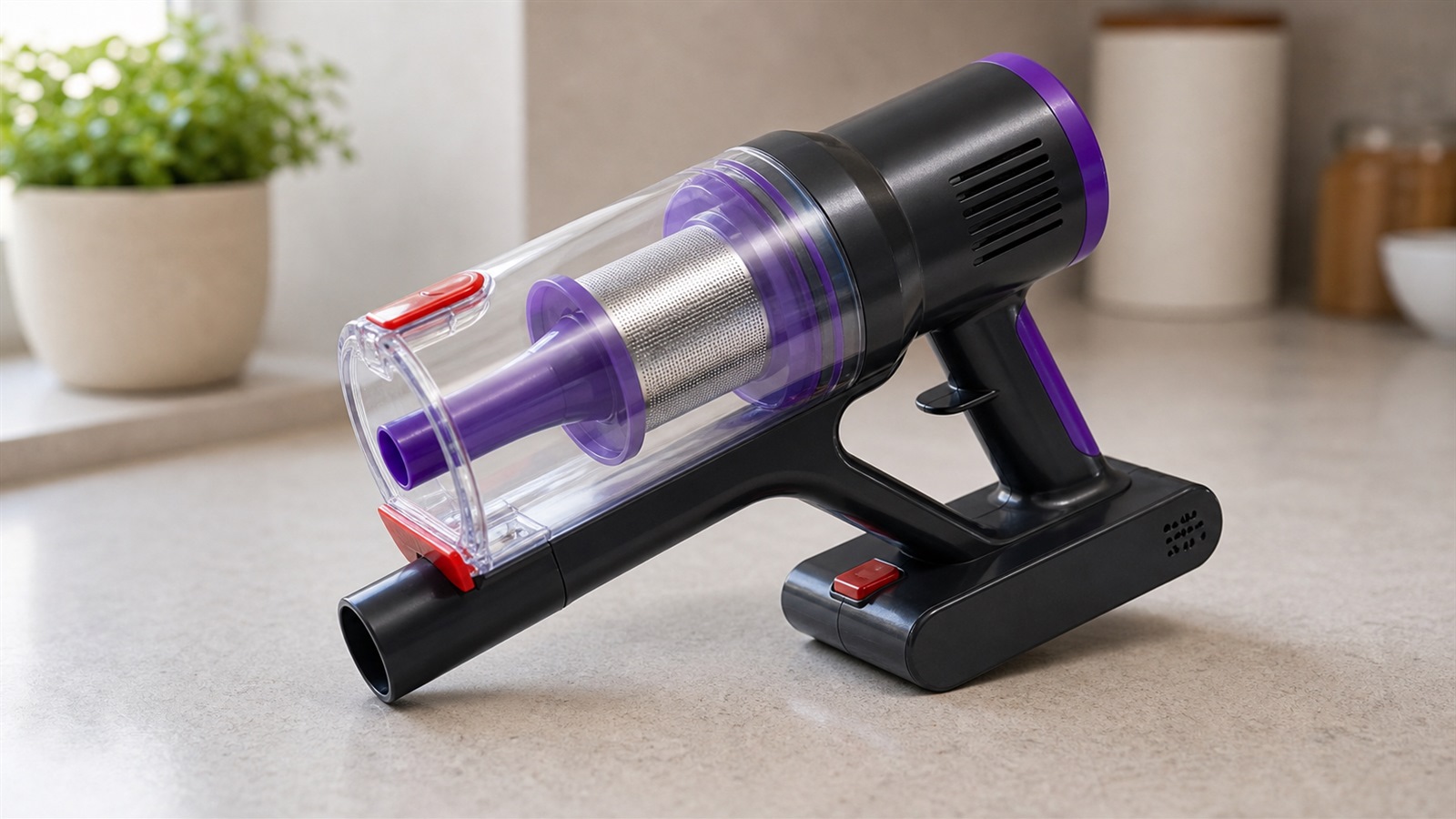 SIXPAD cordless vacuum main unit and removable battery on a clean surface.
-
Keep the Battery and Main Unit Clean
Dust around the battery area or charging contacts can sometimes cause poor connection or unreliable charging. If your vacuum uses a removable battery, make sure the battery is seated properly before use or charging.
Before wiping the battery or main unit, make sure the vacuum is switched off. Use a dry cloth only and avoid moisture around charging contacts, vents or electrical areas.
-
Store the Vacuum in a Dry Indoor Place
Battery performance can be affected by storage conditions. Very hot, very cold or damp areas are not ideal. A dry indoor cupboard, hallway, utility room or storage corner is usually better than a garage, shed or humid space.
If the vacuum will not be used for a while, check your product instructions for long-term storage advice. As a general habit, avoid leaving the vacuum exposed to direct sunlight, damp air or extreme temperature changes.
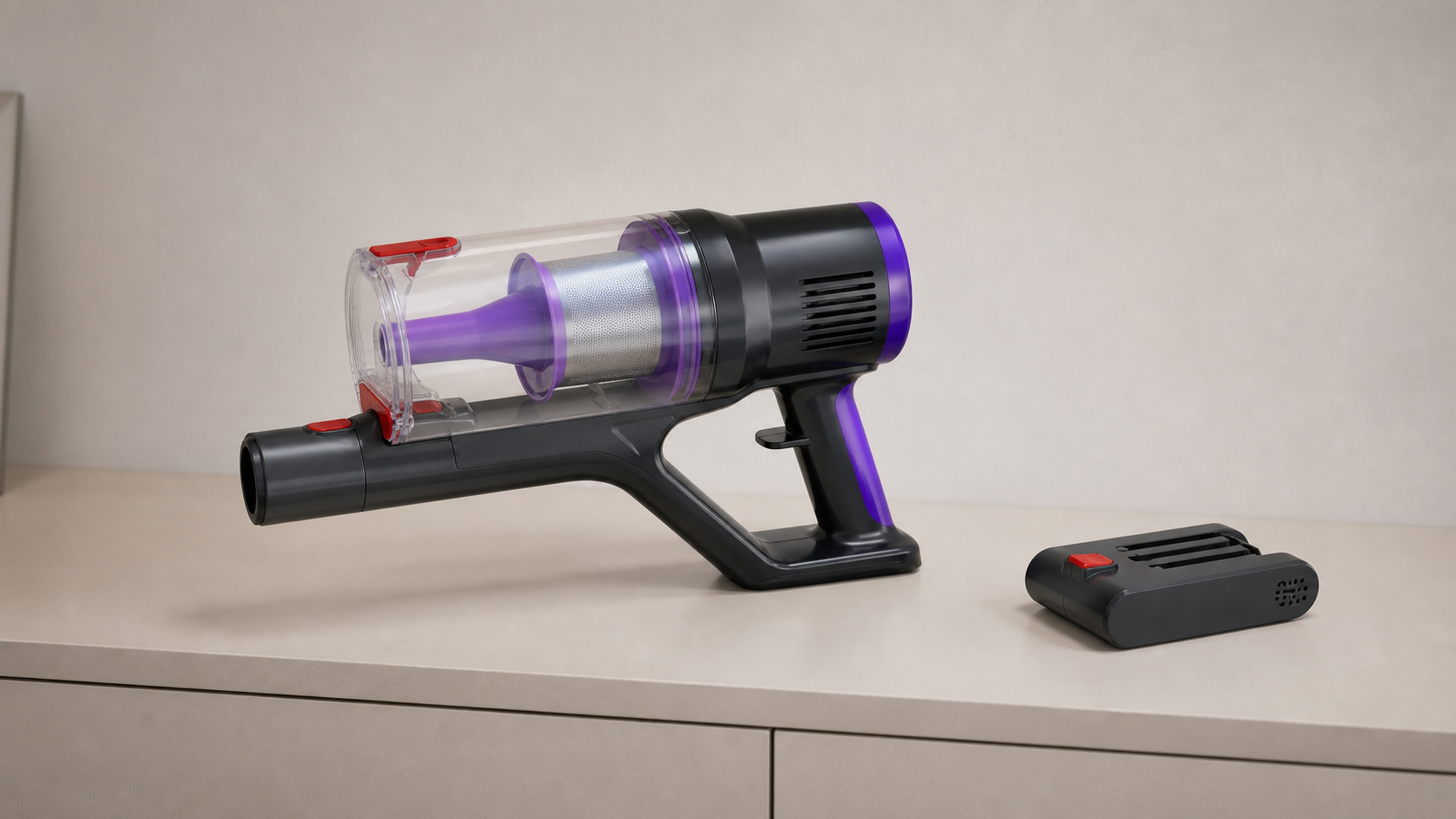 SIXPAD cordless vacuum main unit and removable battery stored on a dry indoor shelf.
-
Keep the Dust Cup and Filter Clear
A dirty filter can make a cordless vacuum feel weaker, but it can also make the battery drain faster. When air cannot move freely through the vacuum, the motor has to work harder. That is why filter care and battery care are closely connected.
Empty the dust cup before it becomes packed, tap loose dust from the filter regularly and only wash the filter if the product instructions say it is washable. If a washable filter has been rinsed, let it dry completely before putting it back.
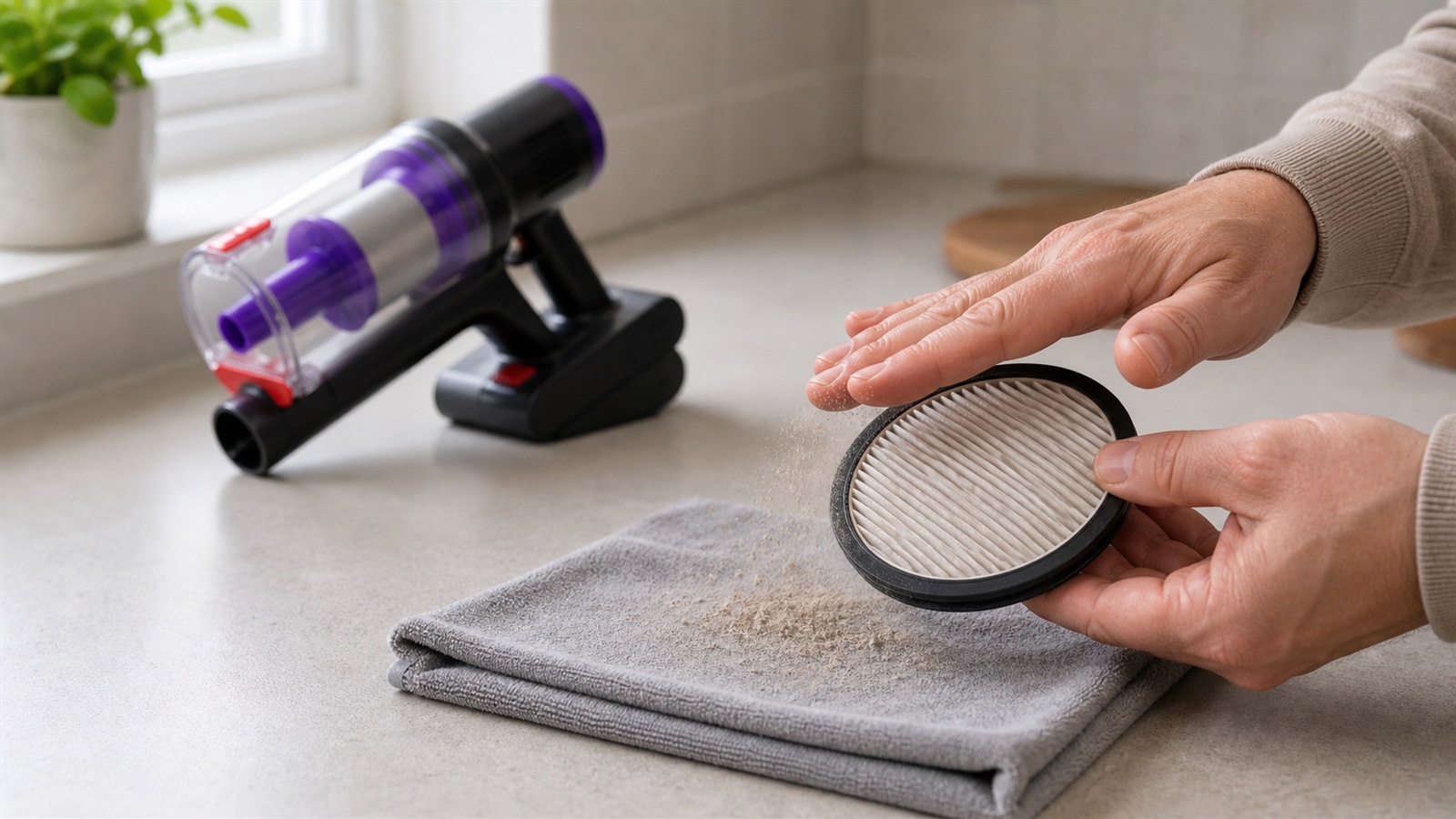 HEPA-style vacuum filter being cleaned to help maintain airflow and battery runtime.
-
Use the Right Power Mode for the Job
High power mode can be useful for stubborn dust, carpet edges, pet hair or heavier debris. But using the strongest setting for every quick clean can shorten runtime unnecessarily.
For light dust, crumbs or daily touch-ups, a standard mode is often enough. Save stronger suction for the tasks that actually need it. This helps the vacuum feel more balanced across a full clean.
-
Check for Blockages Before Blaming the Battery
If runtime suddenly feels shorter, check the vacuum before assuming the battery is wearing out. Hair wrapped around the brush roll, debris trapped near the nozzle, dust packed around the filter or a dust cup that is too full can all make the motor work harder.
A sudden drop in runtime is often a maintenance signal. Clear the airflow path first, then test the vacuum again.
-
Let the Vacuum Cool After Heavy Use
If you have used the vacuum for a longer session, especially on a stronger mode, let it rest before storing it in a confined space. This helps the machine return to a normal temperature after a demanding clean.
You do not need a complicated routine. Just avoid putting a warm vacuum straight into a tight, poorly ventilated space after heavy use.
When Shorter Runtime May Be Normal
All rechargeable batteries age with use. After many charge cycles, some reduction in runtime can be normal. The difference is usually gradual rather than sudden.
If runtime drops suddenly, check the dust cup, filter, brush head and nozzle first. If everything is clean and the vacuum still performs poorly, it may be time to check replacement battery options or contact customer support.
Simple Battery Care Routine
For everyday use, keep the routine simple:
Recharge the vacuum before storing it fully drained for a long time
Keep the battery and main unit dry
Use standard power for everyday dust and crumbs
Save high power mode for heavier jobs
Empty the dust cup before it becomes packed
Clean the filter regularly and let washable filters dry fully
Check the brush head and nozzle if runtime suddenly feels shorter
SIXPAD S80 Battery Care Tips
For the SIXPAD S80, battery care works best alongside regular airflow maintenance. Keep the dust cup clear, check the filter, remove trapped debris from the cleaning head and use stronger suction only when the job needs it.
These small habits can help the vacuum stay ready for quick clean-ups, carpets, stairs and everyday floor care without making maintenance feel complicated.
Final Thoughts
A cordless vacuum cleaner battery will not last forever, but good habits can help you get more consistent runtime from each clean. Charge it sensibly, store it properly, keep airflow clear and avoid using maximum power for every small job.
In many homes, better battery performance starts with simple maintenance rather than a new machine.