
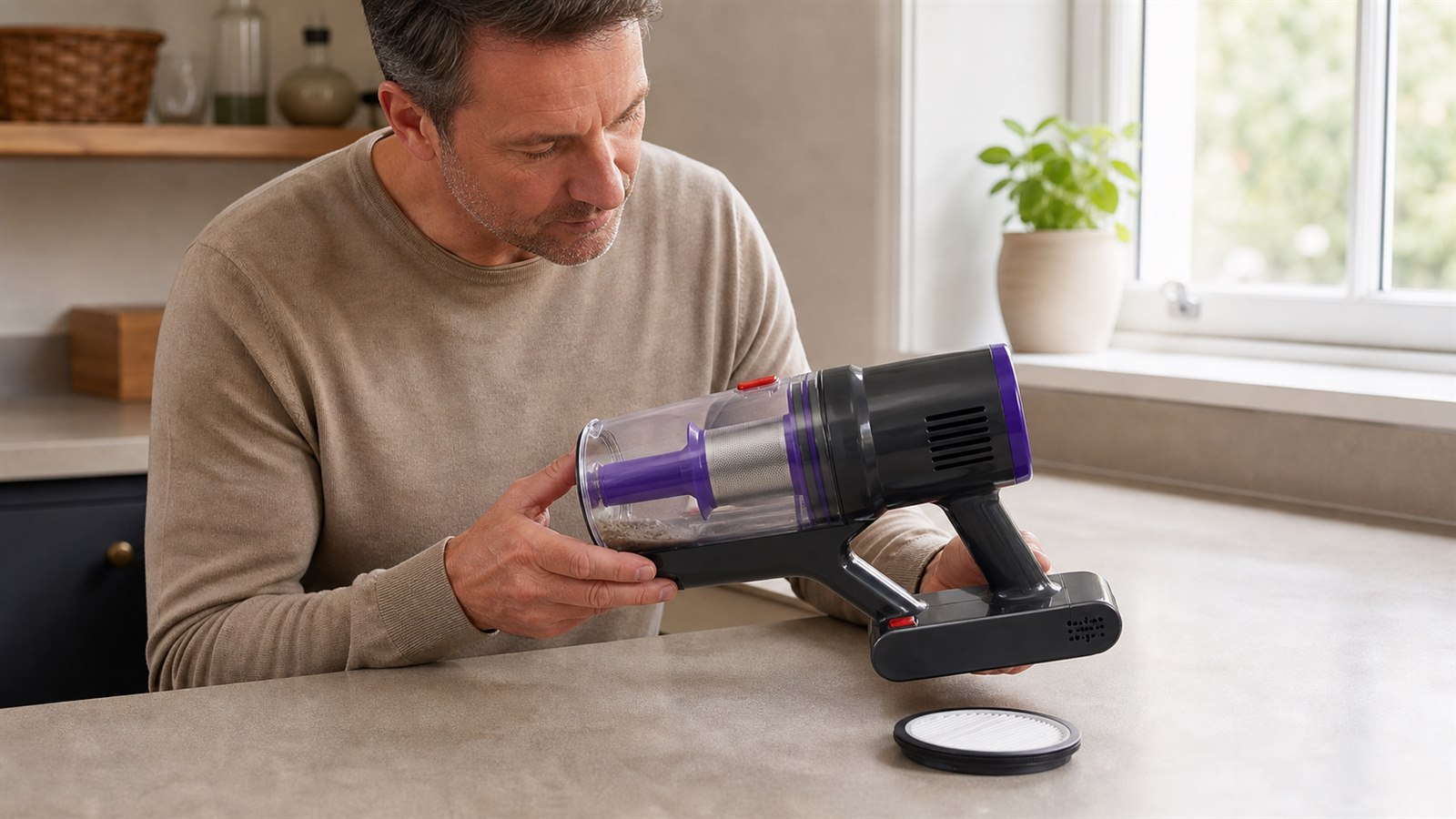
A cordless vacuum cleaner works best when air can move freely through the dust cup, filter and cleaning head. If the filter becomes packed with fine dust, the vacuum may sound louder, feel warmer or lose suction even when the battery is fully charged.
The good news is that filter maintenance is usually simple. You do not need to take the whole vacuum apart. In most homes, a quick dust cup check, a gentle filter clean and proper drying can help keep everyday cleaning performance more consistent.
Why the Filter Matters
The filter is designed to trap fine dust before air passes through the vacuum. Over time, that fine dust can build up inside the filter material and restrict airflow. When airflow is restricted, suction can feel weaker and the motor may need to work harder.
A clogged filter can lead to:
weaker suction during everyday cleaning
dust collecting around the dust cup or filter housing
the vacuum feeling warmer than usual
dusty smells after use
more frequent interruptions while cleaning
How Often Should You Clean a Cordless Vacuum Filter?
For normal home use, it is sensible to check the filter every few uses. If you clean carpets, pet hair, fine dust or larger areas, check it more often. A filter does not need deep cleaning every time, but it should not be left until suction has already dropped.
A practical routine is simple: empty the dust cup after each clean, tap loose dust from the filter regularly, and only wash the filter if the product instructions say it is washable.
Step 1: Empty the Dust Cup First
Before removing the filter, empty the dust cup. This prevents loose debris from falling back into the vacuum body or onto the floor. Hold the vacuum over a bin, open the dust cup carefully and let the dust fall out naturally.
Avoid shaking the whole vacuum too hard, as this can spread fine dust into the air. Once the dust cup is empty, check around the opening for hair, lint or compacted dirt.
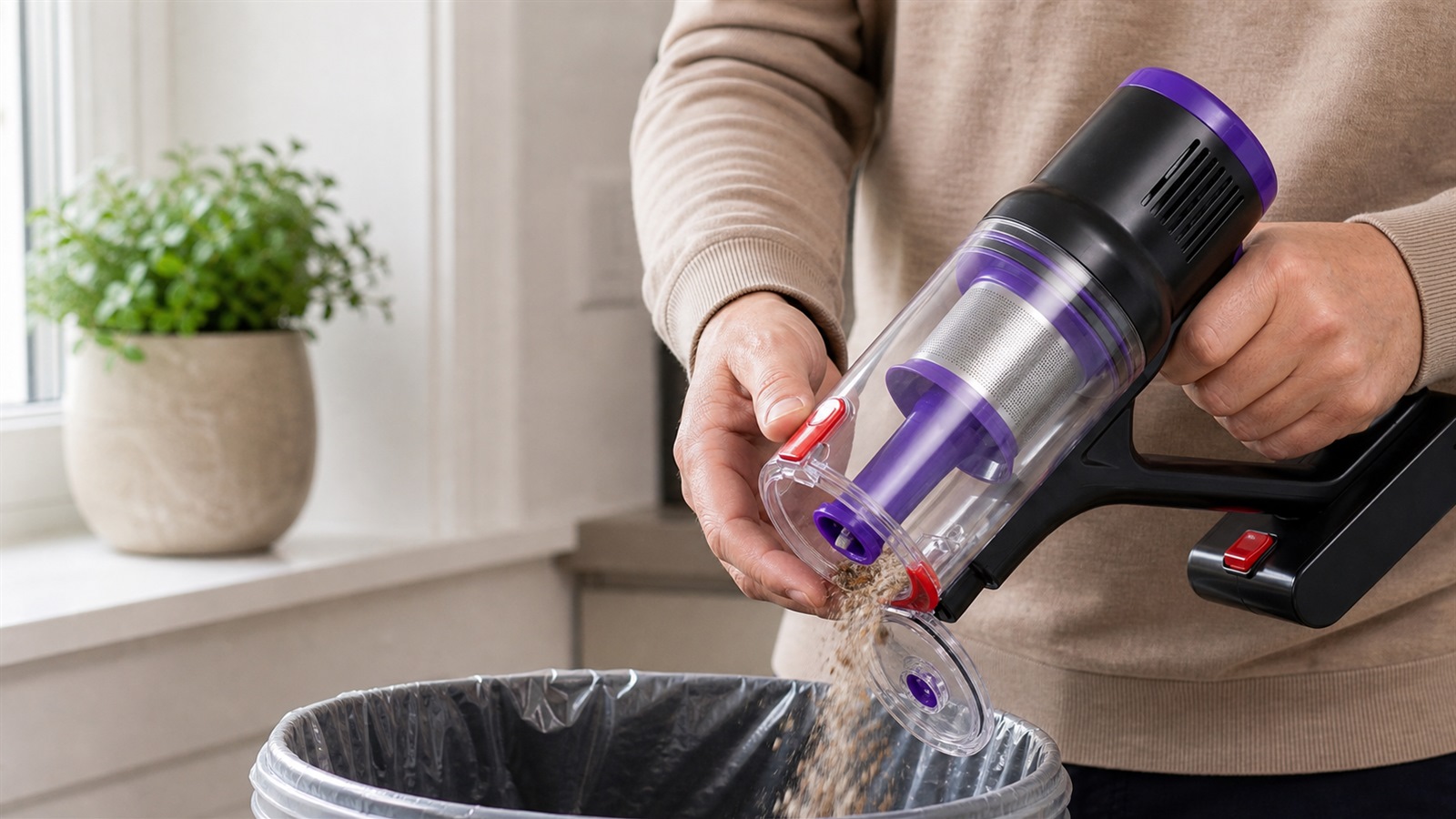 Empty the dust cup before removing or cleaning the filter.
Step 2: Remove the Filter Carefully
After emptying the dust cup, remove the filter according to the vacuum cleaner's instructions. Do not force it out. If it feels stuck, check whether there is a locking tab, twist mechanism or release point.
For the SIXPAD S80, handle the transparent dust cup and filter area gently so the cup, internal filter section and release buttons remain properly aligned.
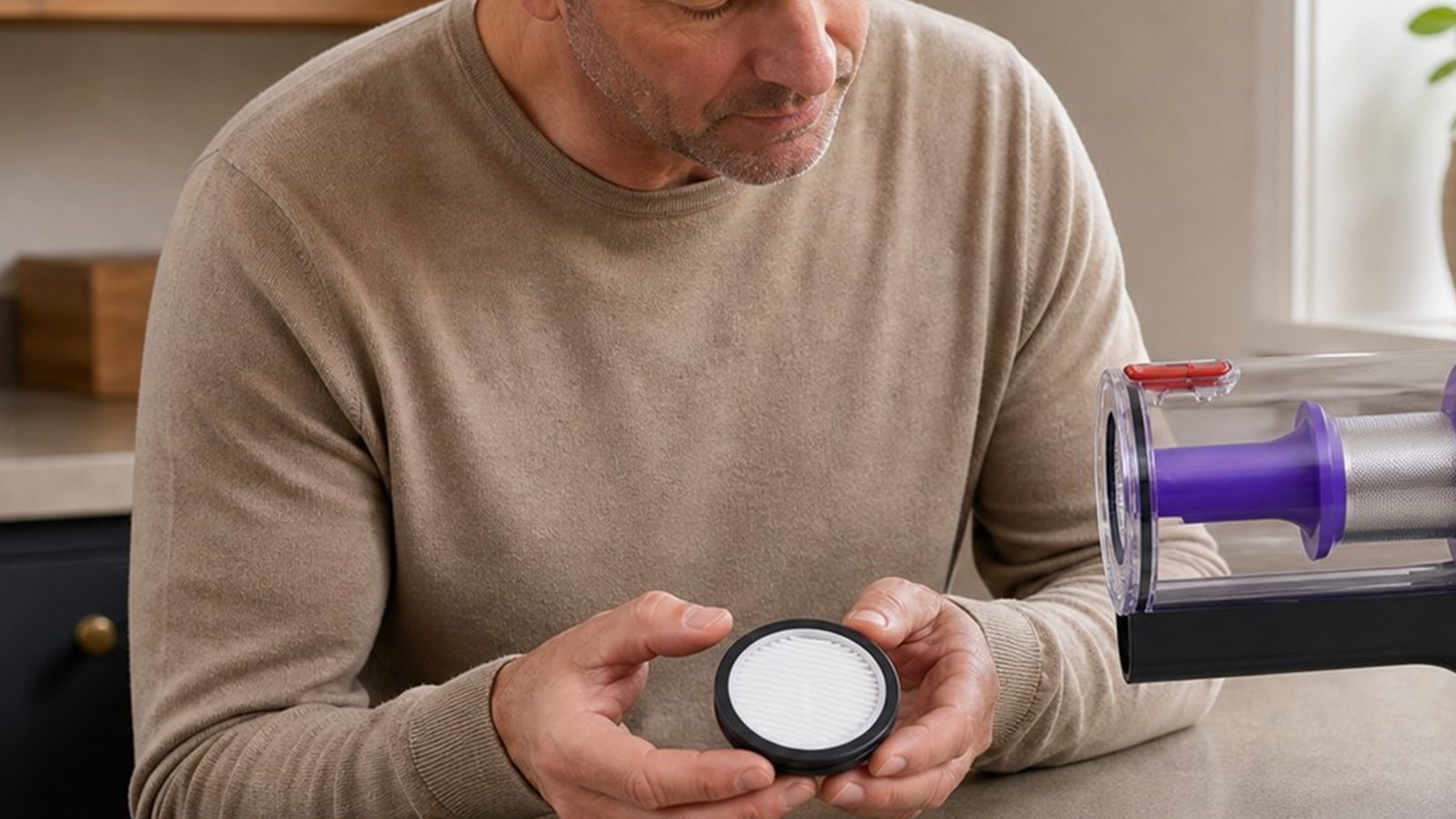 Remove the HEPA filter gently and avoid forcing the dust cup assembly.
Step 3: Tap Away Loose Dust
The safest first step is usually dry cleaning. Hold the filter over a bin or cloth and gently tap the edge. Fine dust may fall out quickly, especially if the filter has not been cleaned for a while.
You can also use a soft dry brush to remove visible dust from the surface. Avoid sharp tools, hard brushes or strong pressure, because damaging the filter material can reduce its ability to trap fine particles properly.
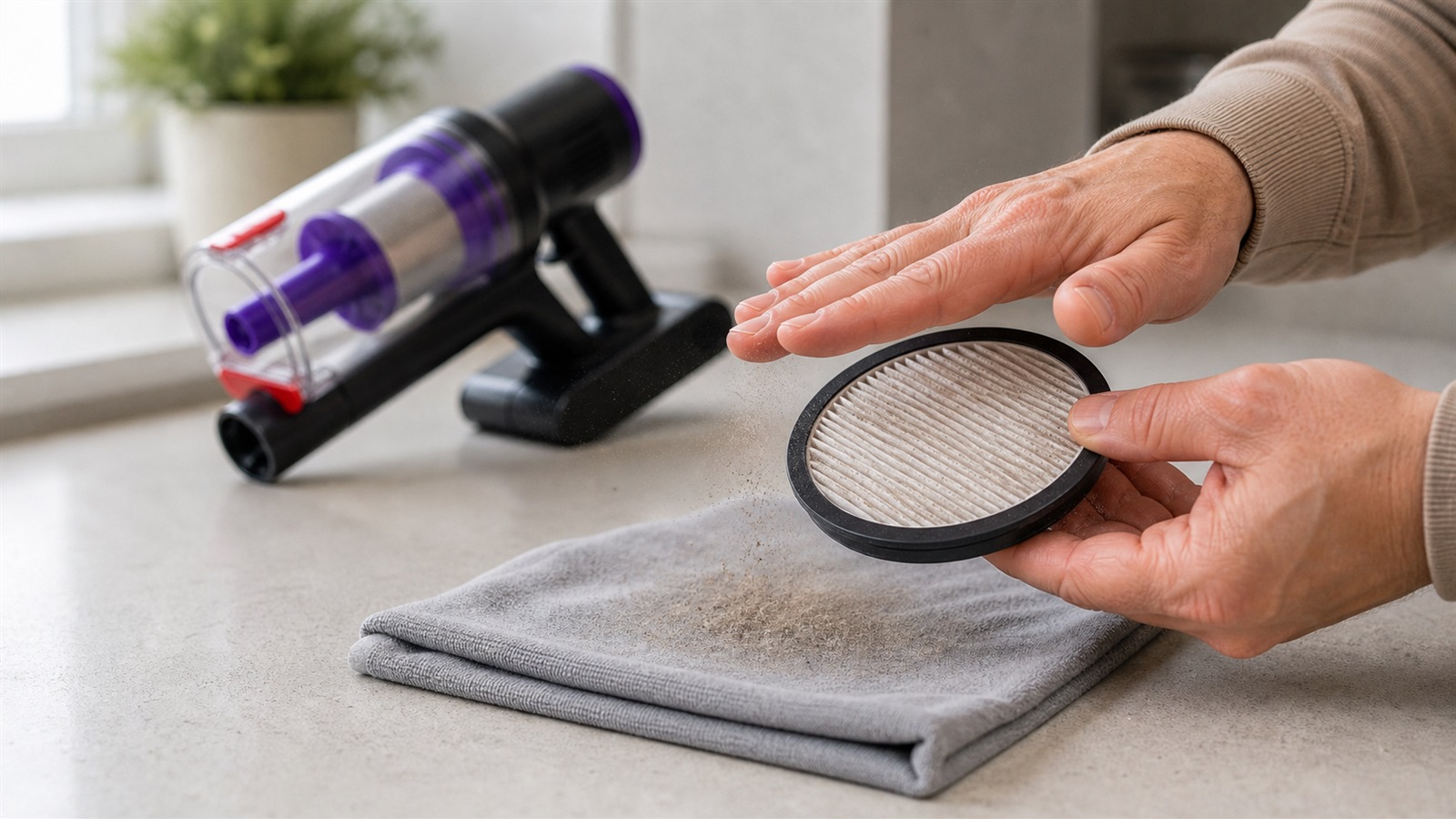 Tap the filter gently to remove loose dust before considering any deeper clean.
Step 4: Wash Only If the Filter Is Washable
Not every vacuum cleaner filter should be washed. Some HEPA-style filters are designed to be replaced rather than soaked. Before washing any filter, check the product instructions.
If the filter is marked as washable, rinse it with clean water and avoid soap, detergent or cleaning chemicals unless the manufacturer specifically allows them. If the filter is not marked as washable, do not soak it. Tap out loose dust and replace it when cleaning no longer restores airflow.
Step 5: Let the Filter Dry Completely
This is one of the most important steps. If a washable filter has been rinsed, it must be completely dry before being placed back into the vacuum. A damp filter can restrict airflow, trap odours and may damage the vacuum over time.
Let the filter air dry naturally in a well-ventilated place. Do not reinstall it while damp, and do not speed-dry it with direct heat unless the product instructions allow this.
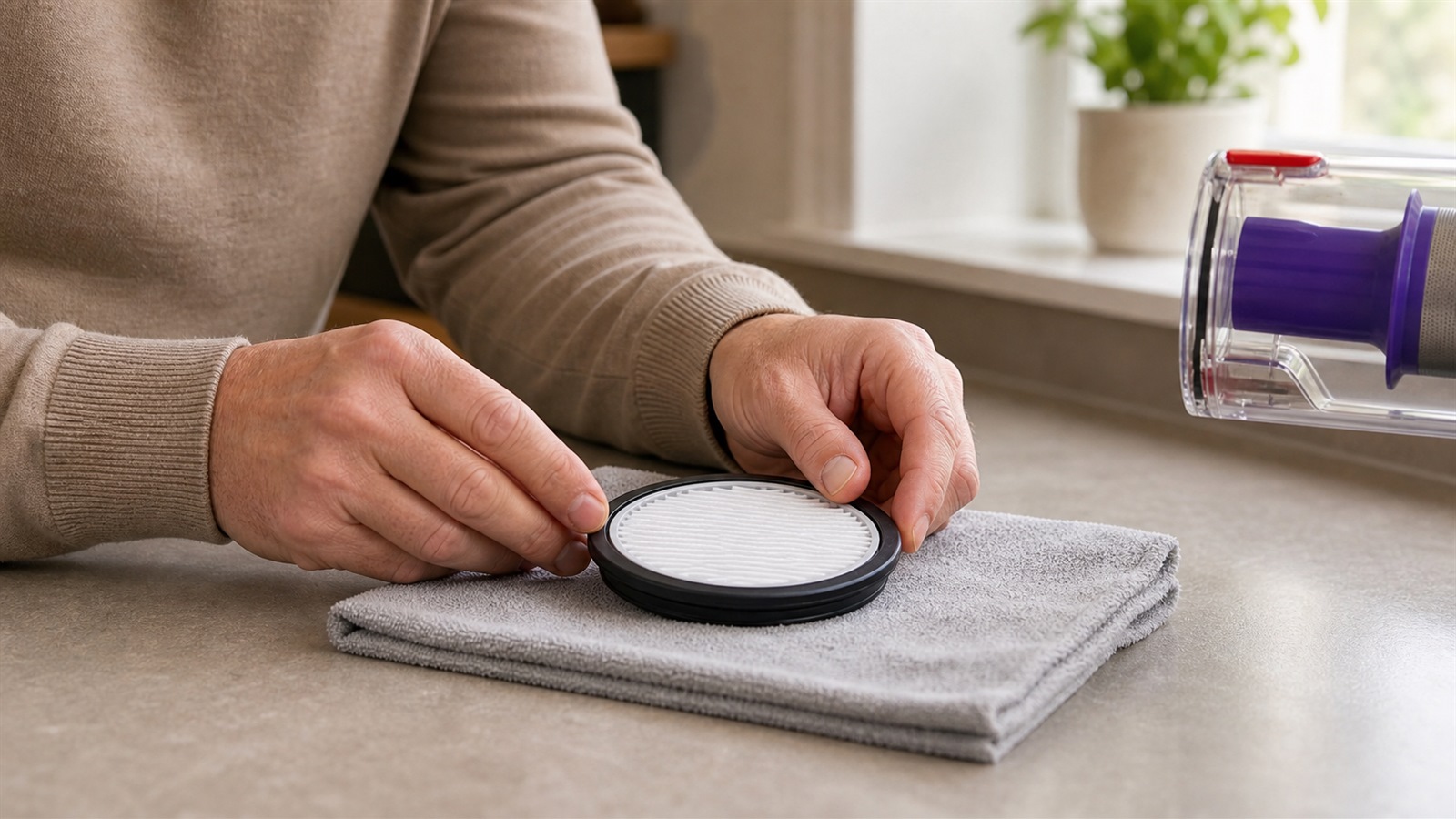 Allow the filter to dry naturally before putting it back into the vacuum.
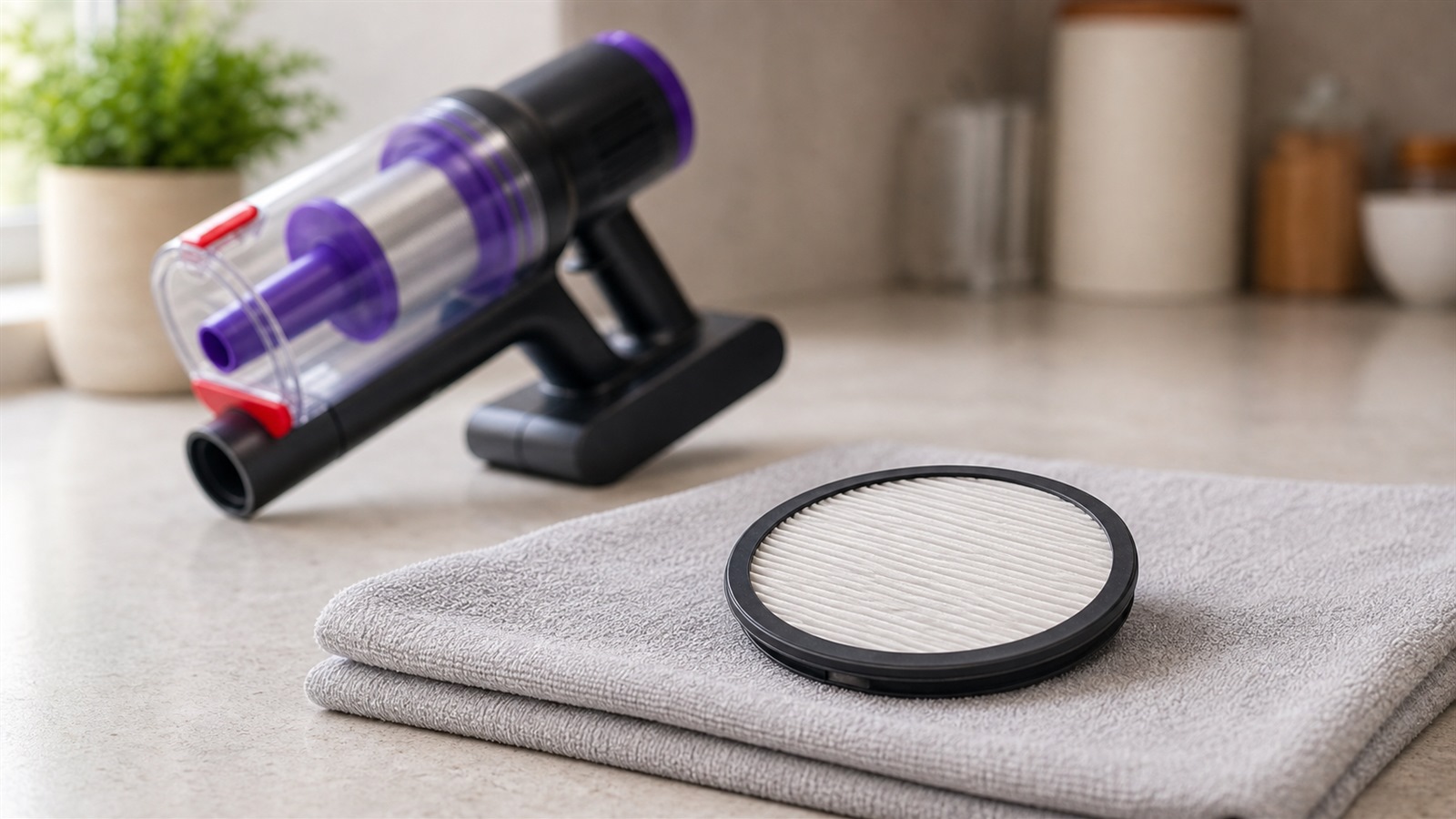 A dry filter is ready to reinstall; a damp filter should stay out of the vacuum.
When Should You Replace the Filter?
Cleaning helps, but filters do not last forever. Replace the filter if suction remains weak after cleaning, if the filter looks damaged or misshapen, or if dust seems trapped deep inside the material.
Keeping a spare filter can be useful if you vacuum often, especially in homes with carpets, pets or fine household dust.
Simple SIXPAD S80 Filter Maintenance Routine
For everyday use, the routine does not need to be complicated:
empty the dust cup before it becomes too full
check the filter when suction feels weaker
tap away loose dust before any deeper clean
let any washable filter dry fully before reinstalling
replace the filter when cleaning no longer helps
Final Thoughts
A clean filter is one of the easiest ways to help a cordless vacuum cleaner maintain steady suction. If your vacuum feels weaker than usual, do not assume the machine is faulty straight away. Empty the dust cup, check the filter, remove loose dust and make sure everything is dry and fitted correctly.
A few minutes of regular maintenance can make everyday cleaning feel smoother and help your vacuum perform more consistently over time.